AI Screening Agent
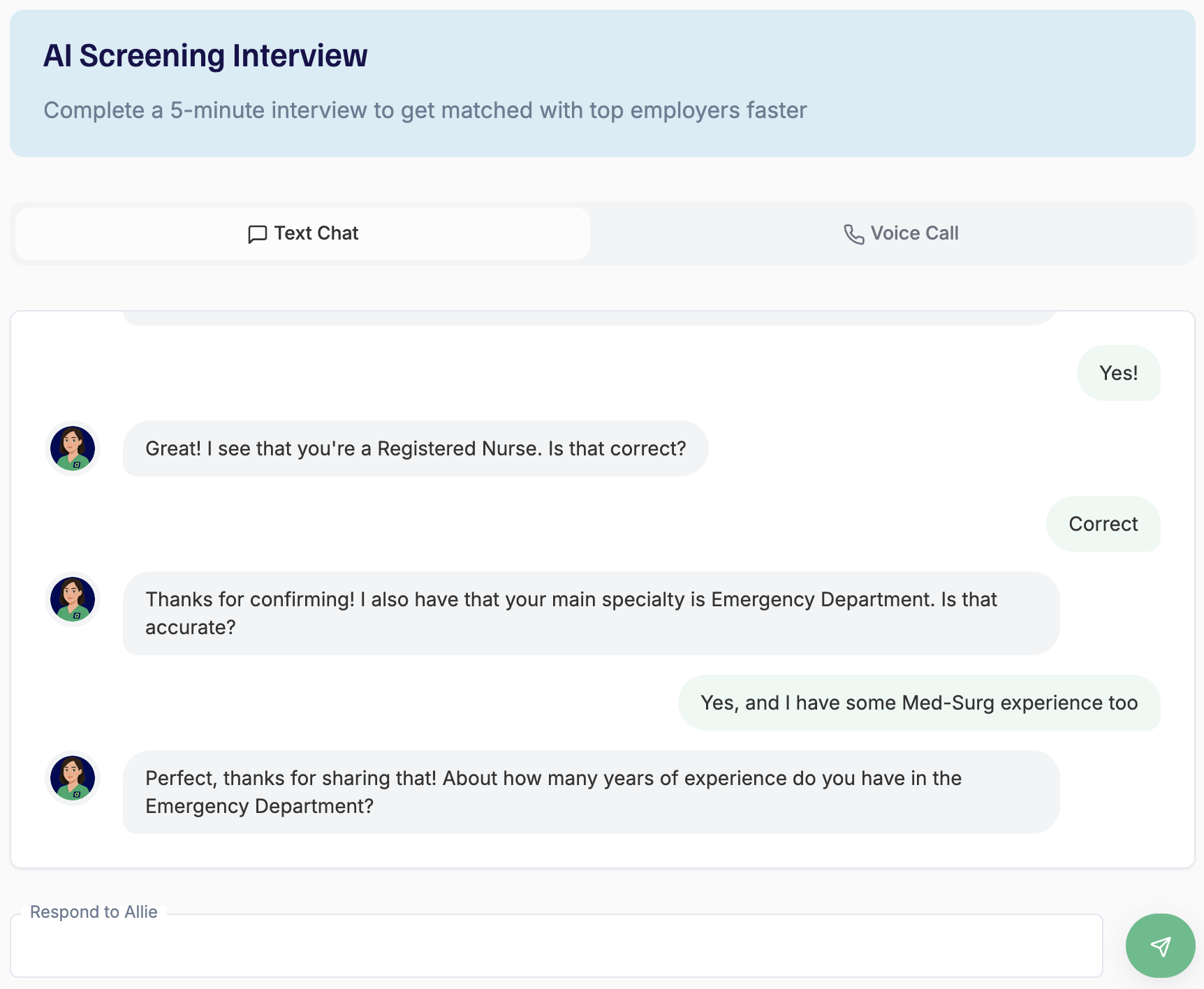
Clinicians on Adni can complete a 5-minute AI screening interview to help assess their job intentions and enrich their profile.
Each candidate receives a score from 0–10, along with a detailed screening breakdown that recruiters can review directly within the profile.
To invite candidates to a screening, navigate to the Allie AI page in the Admin Portal.
Reviewing screening results
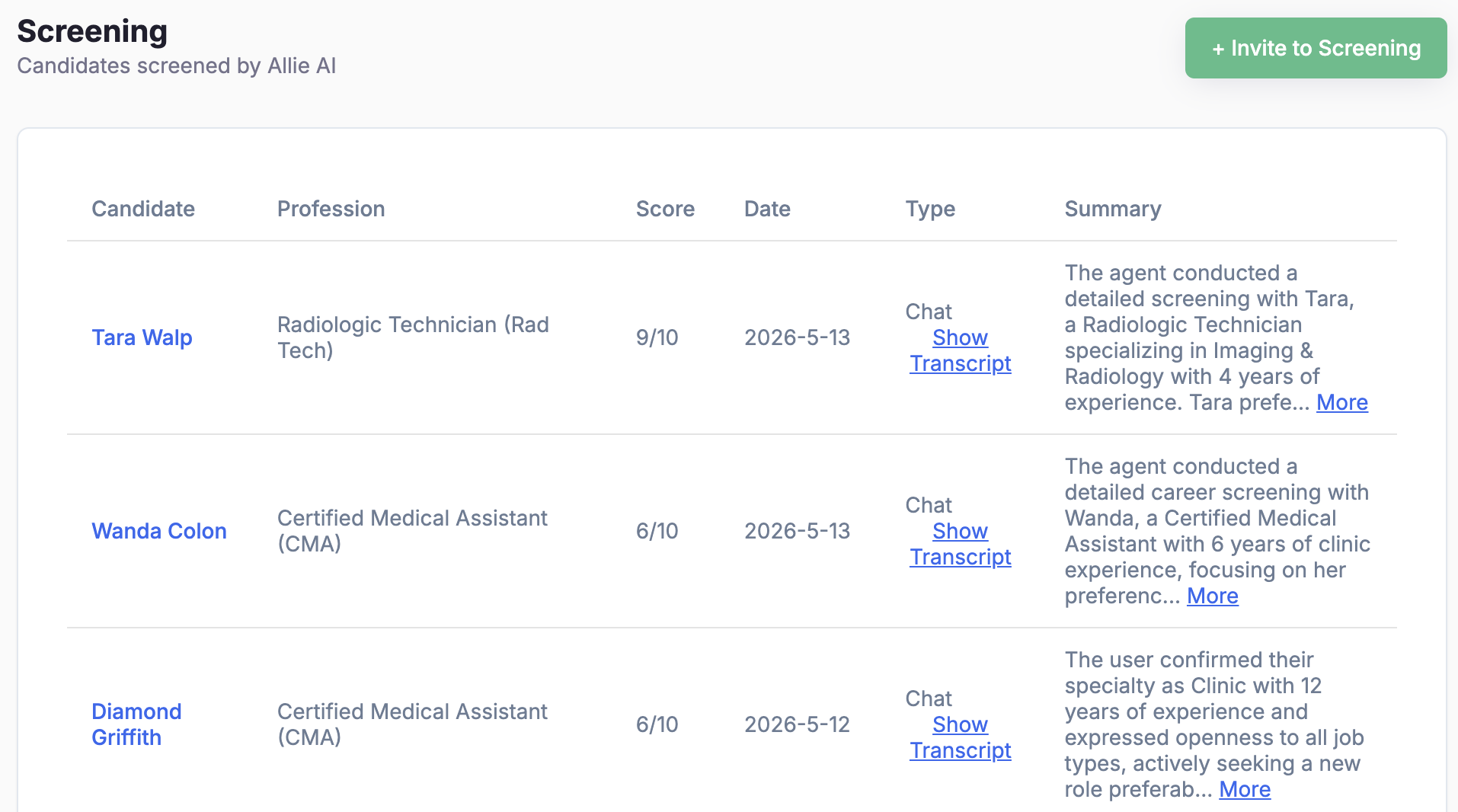
The Screening dashboard shows every candidate Allie has interviewed — with score, profession, summary, and a one-click link to read the full transcript.
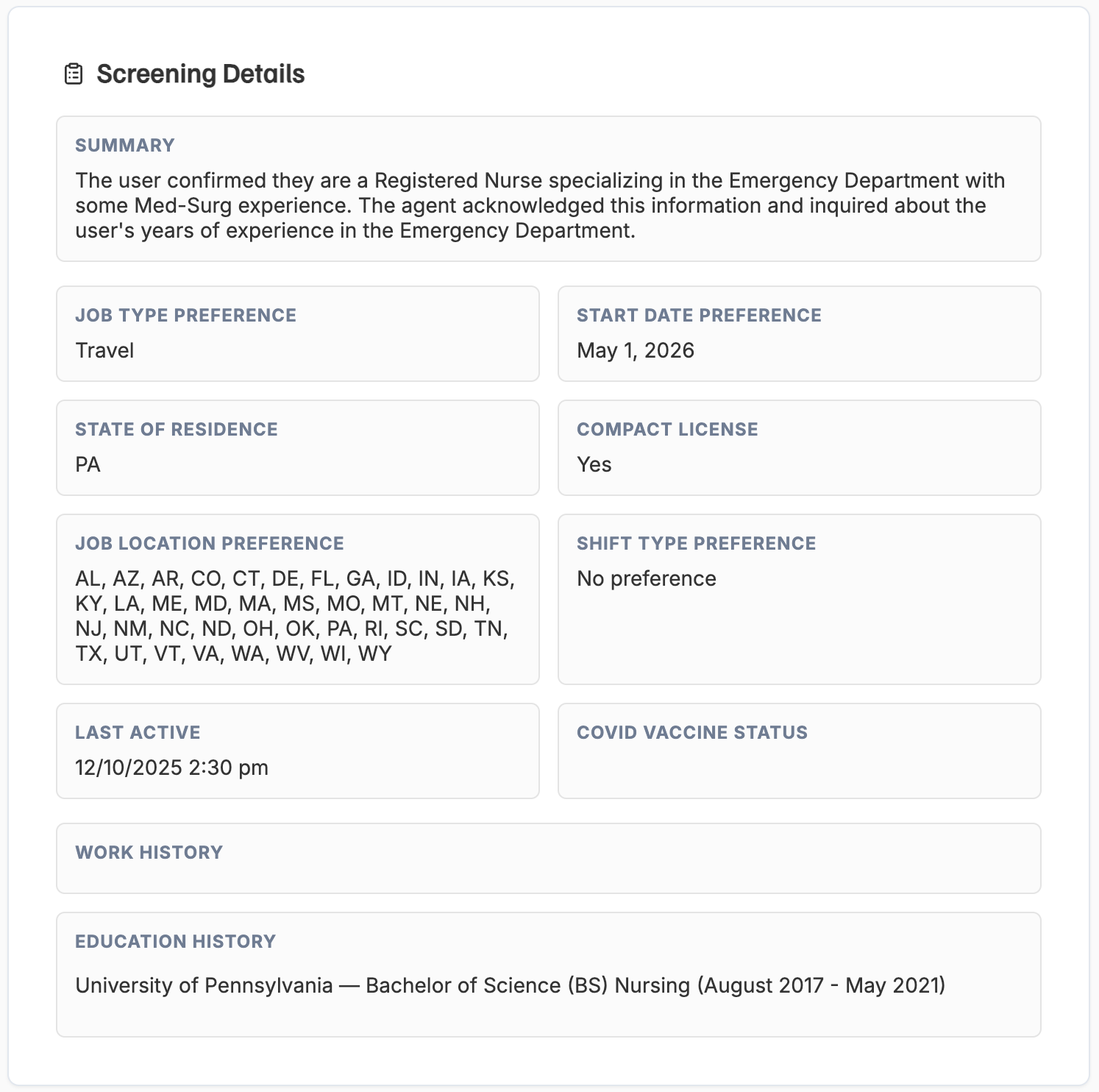
Open any candidate to see structured screening details: job type preference, start date, state of residence, compact license, location preferences, work history, and education.
Connection Types
Adni supports multiple ways for recruiters and clinicians to connect. Always check the connection type before crafting your outreach.
Allie matches a candidate to your org based on your job openings and target leads.
A clinician applies to one of your jobs on Adni.
Clinician requests to connect, accepts your request, or is connected via an Adni coach handoff.
Recruiter uses the search tool and adds a clinician to your candidate database.
Clinician Handoffs
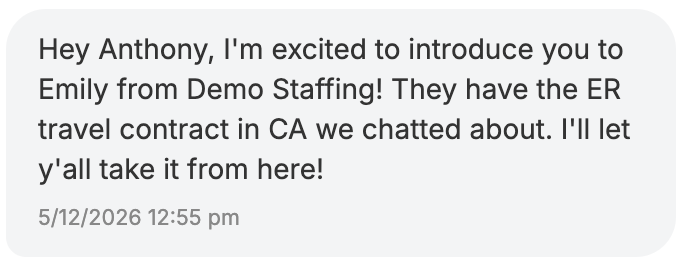
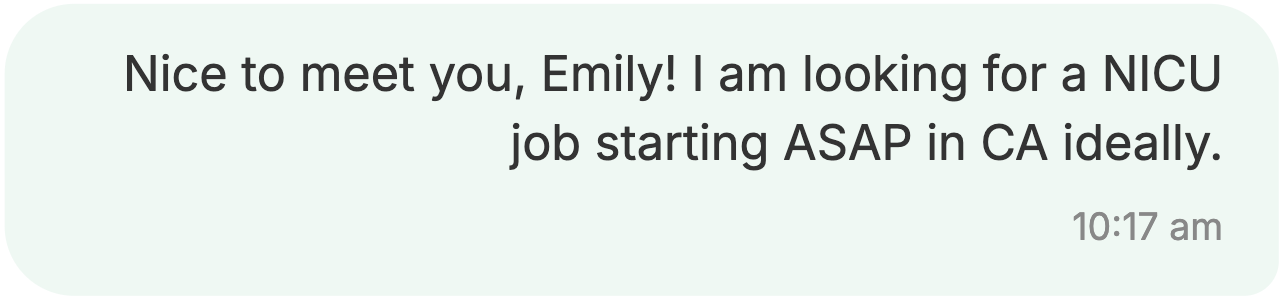
A handoff happens when a clinician coach from the Adni team connects an interested clinician directly with your recruiting team after an initial conversation about one of your opportunities.
The assigned recruiter will receive an email titled "You've Received a Clinician Handoff from Adni" with the clinician's name, profession, specialty, and a direct link to continue the conversation in Adni.
- Hot leads pre-qualified by an Adni coach
- Email notification with a direct link to the conversation
- Pick up the dialogue right inside the Adni messenger